What is Sparkle TV?
Sparkle TV is an IPTV player for Android TV and Google TV. The app has a sleek design, supports M3U and Xtream Codes, and has a neat TV guide (EPG). Ideal if you use an Android TV box or Chromecast with Google TV.
Step 1: Install Sparkle TV
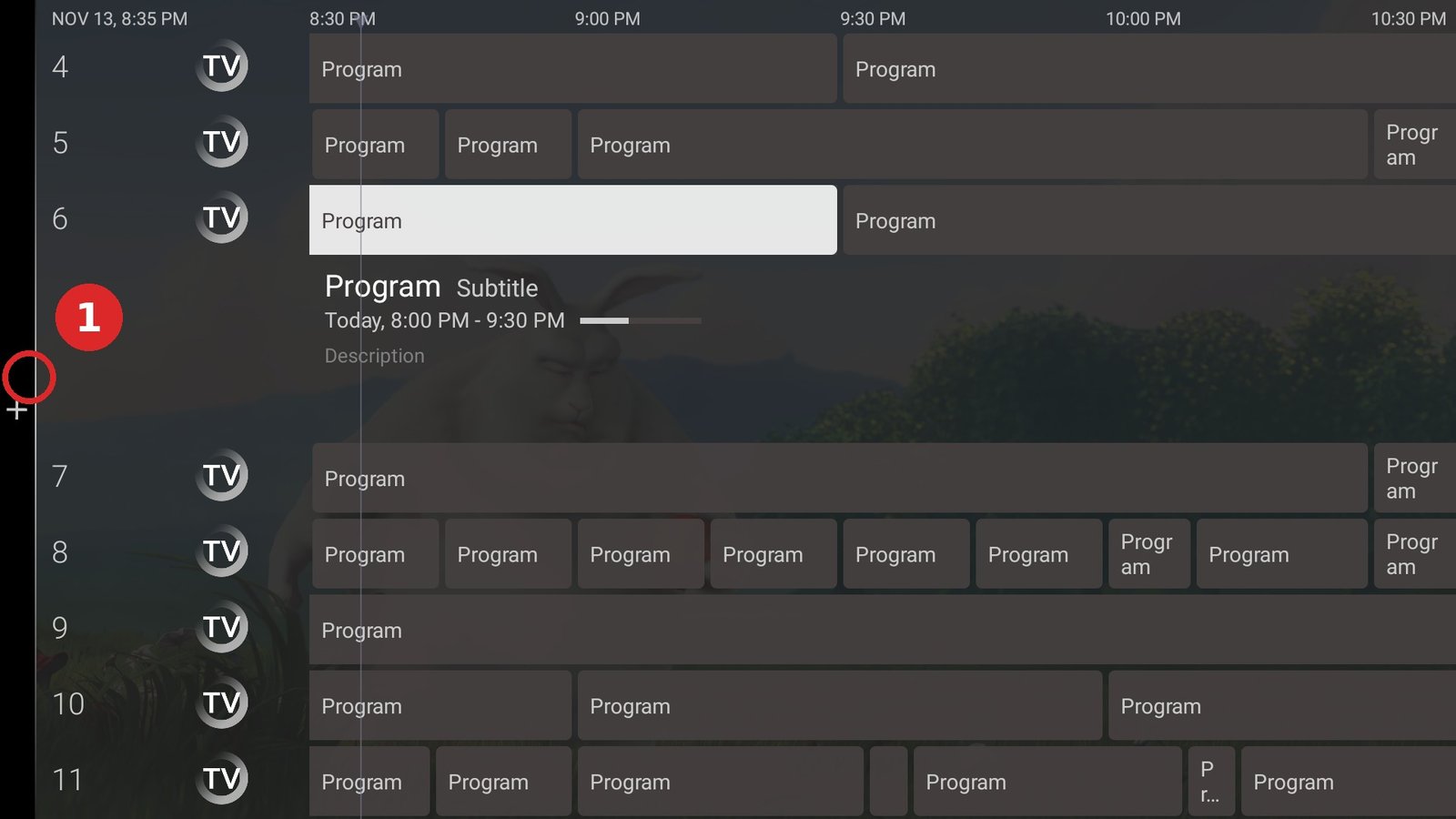
- Open the Google Play Store on your Android/Google TV.
- Search for “Sparkle TV” and install the app.
- Open the app — you’ll start in the setup wizard.
Step 2: Add a Playlist
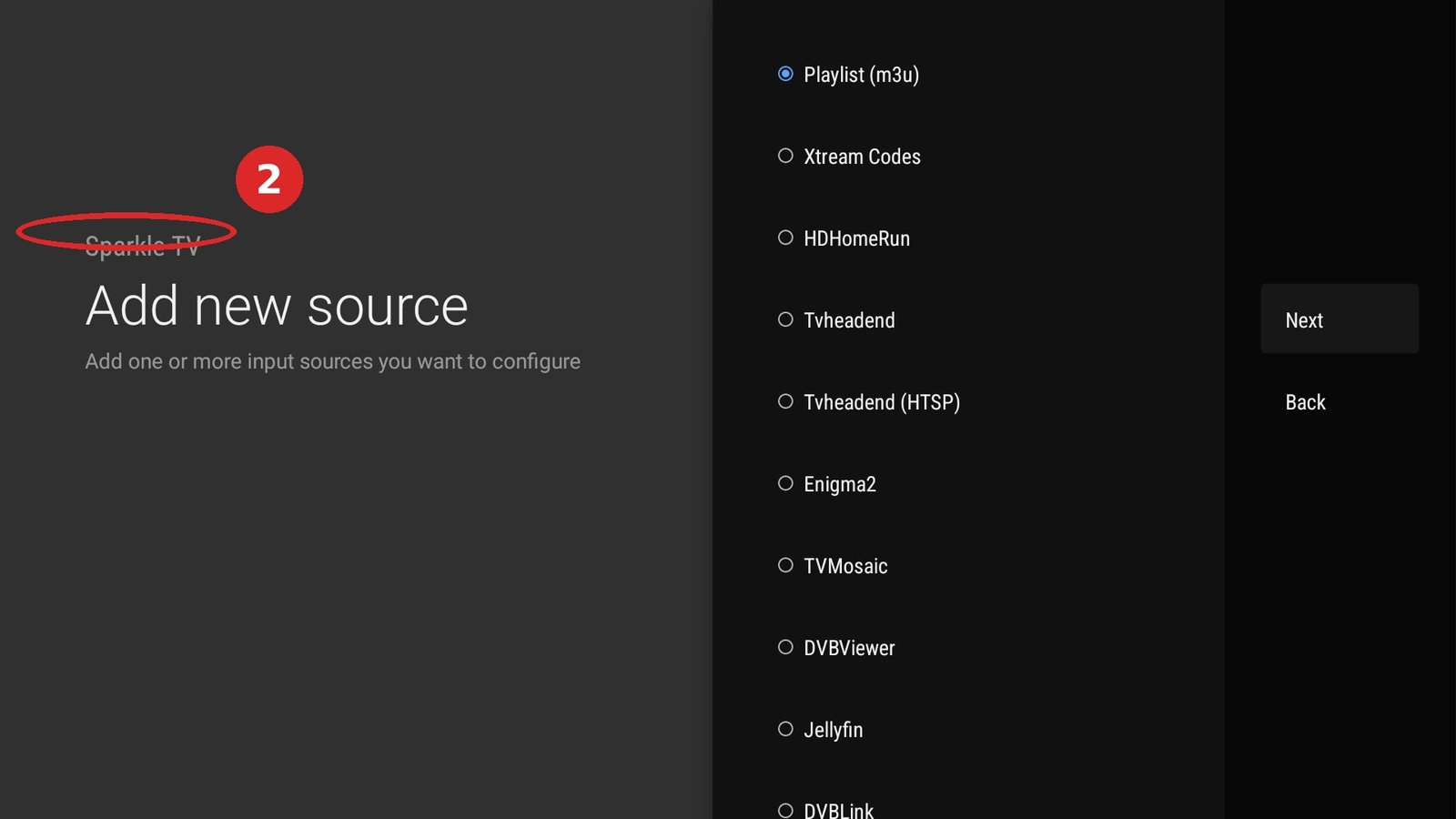
- Choose “Add new playlist”.
- Enter your M3U URL or log in with Xtream Codes (server, username, password).
- Give the playlist a name (e.g. “Living room”) and save it.
- Wait for all channels to load.
Step 3: EPG and Finishing Touches
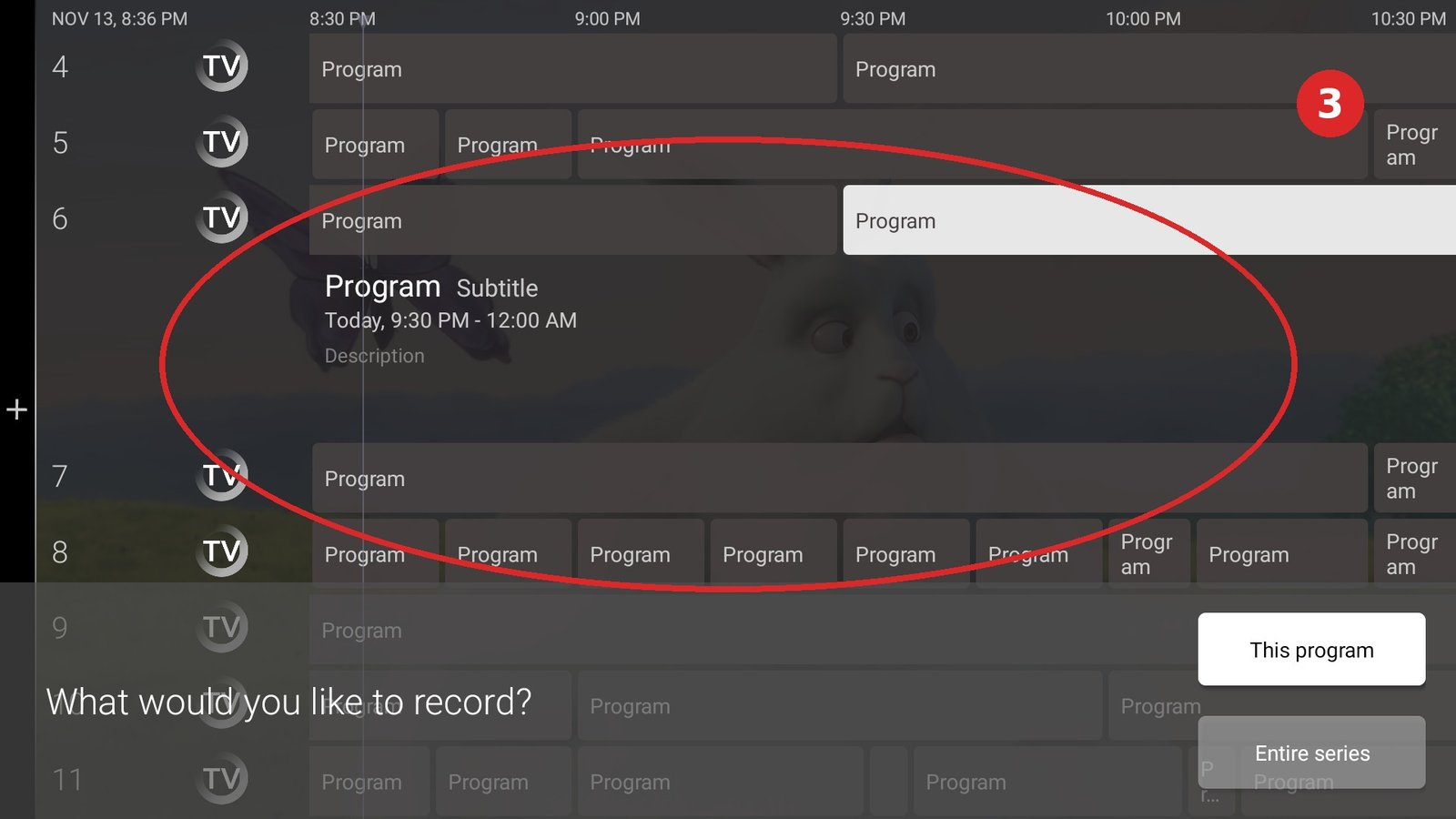
- Go to Settings → EPG and link your EPG source.
- In the settings, set buffering to “high” if your WiFi sometimes stutters.
- Done! Channels, VOD and EPG are ready. 📺
Common Mistakes with Sparkle TV
- Channels empty after loading: check whether your M3U URL is still valid (URLs can expire — ask for a fresh link).
- No EPG: the Xtream EPG is loaded automatically; with M3U you need to add an XMLTV URL separately.
- App freezes: clear the cache via Settings → Apps → Sparkle TV → Clear cache.
Frequently Asked Questions
Does Sparkle TV work on a Firestick?
Officially Sparkle is for Android TV/Google TV. On a Firestick you can sometimes sideload the app, but TiviMate or IPTV Smarters is the better choice there.
Does Sparkle TV cost money?
The base version is free; a one-time Premium unlock removes ads and adds extras.
Stuck or not working? Ask your question via our contact page — we’ll help you quickly and free of charge. Or try Pro IPTV free for 24 hours.
Want to know more? the best IPTV app per device · which IPTV app looks most like Netflix · the complete IPTV installation guide
Test Pro IPTV free for 24 hours
One click, no payment details — try it free for 24 hours via our shop.
⚡ Start your free 24-hour test
Ready to watch? start your free 24-hour IPTV trial