Installing IPTV Smarters Pro: step by step
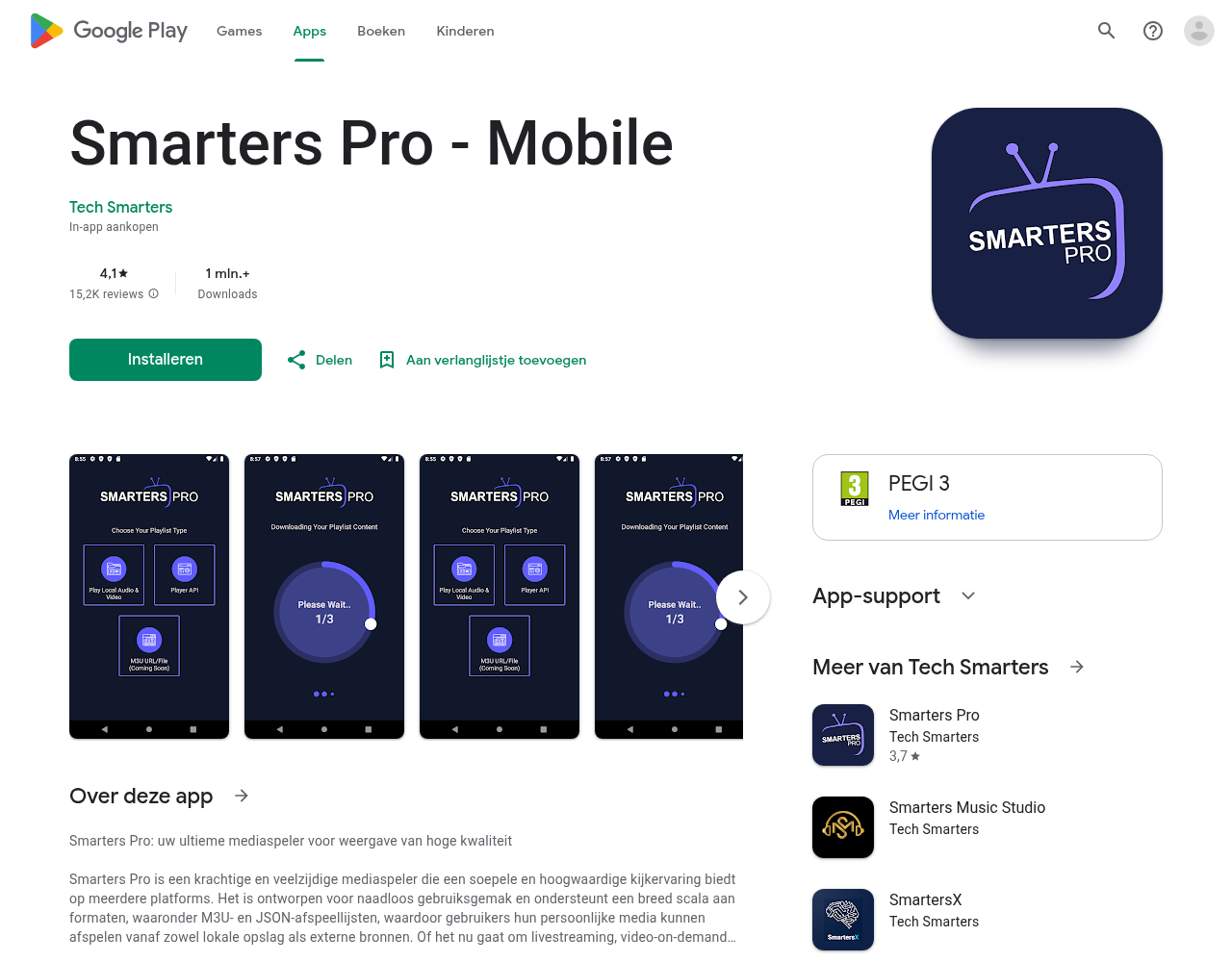
IPTV Smarters Pro is one of the most popular IPTV apps around. No wonder: it works on virtually every device and is set up in a few minutes. In this guide we show you how to install it and get it running on your device.
Why IPTV Smarters Pro?
- Works on Android, iOS, Smart TV, Firestick and Windows
- Supports Xtream Codes and M3U playlists
- Neat overview with channels, movies and series
- EPG (programme guide) built in
Installing on Android TV / Firestick
The easiest way is via the Play Store or the App Store. Search for “IPTV Smarters Pro” and install the app. On a Firestick sideloading works best — download the APK file from the official site and install it via Downloader.
Setting up with Xtream Codes
Open the app and choose the “Login with Xtream Codes” option. Fill in these three things:
- The server URL (e.g.
http://your-server.com:8080) - Your username
- Your password
You receive these details from us in the welcome email after taking out your subscription. Press Login and within seconds all your channels load.
Common problems
“Login failed”? Check whether you retyped the details without extra spaces. Copying and pasting is safest.
Buffering? In the IPTV Smarters Pro settings set the video format to Hardware decoding and lower the buffer to 1 to 2 seconds.
Done setting up?
Not working or running into something? Ask your question via our contact page — we will help you quickly.
Related guides: Best IPTV app per device
Want to know more? which IPTV app looks most like Netflix · the complete IPTV setup guide
Test Pro IPTV 24 uur helemaal gratis
1️⃣ Installeer SmartOne IPTV op je tv/box · 2️⃣ Stuur je MAC-adres · 3️⃣ Wij doen de rest!
⚡ Stuur je MAC-adres via WhatsAppReady to watch? start your free 24-hour IPTV trial