What is Wesopro IPTV?
Wesopro IPTV is an IPTV player for Android devices (TV boxes, Firestick and Android TVs). You log in with your Xtream Codes details or load an M3U playlist, and the app automatically sorts your channels, movies and series.
Step 1: Install Wesopro IPTV
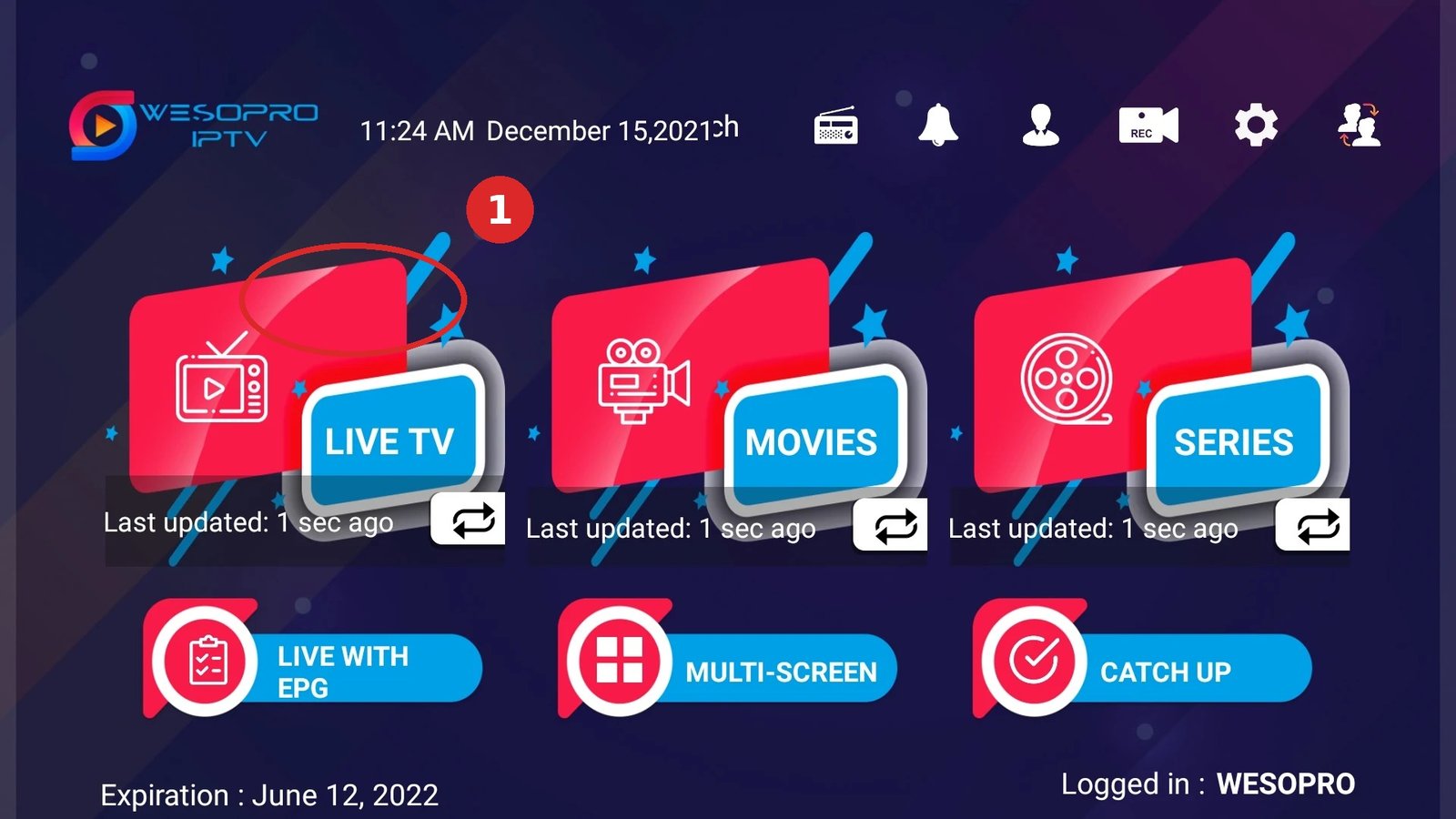
- Open the Google Play Store (or download the APK from the app’s official site).
- Search for “Wesopro IPTV” and install.
- Open the app and go to settings/login.
Step 2: Log in with your subscription
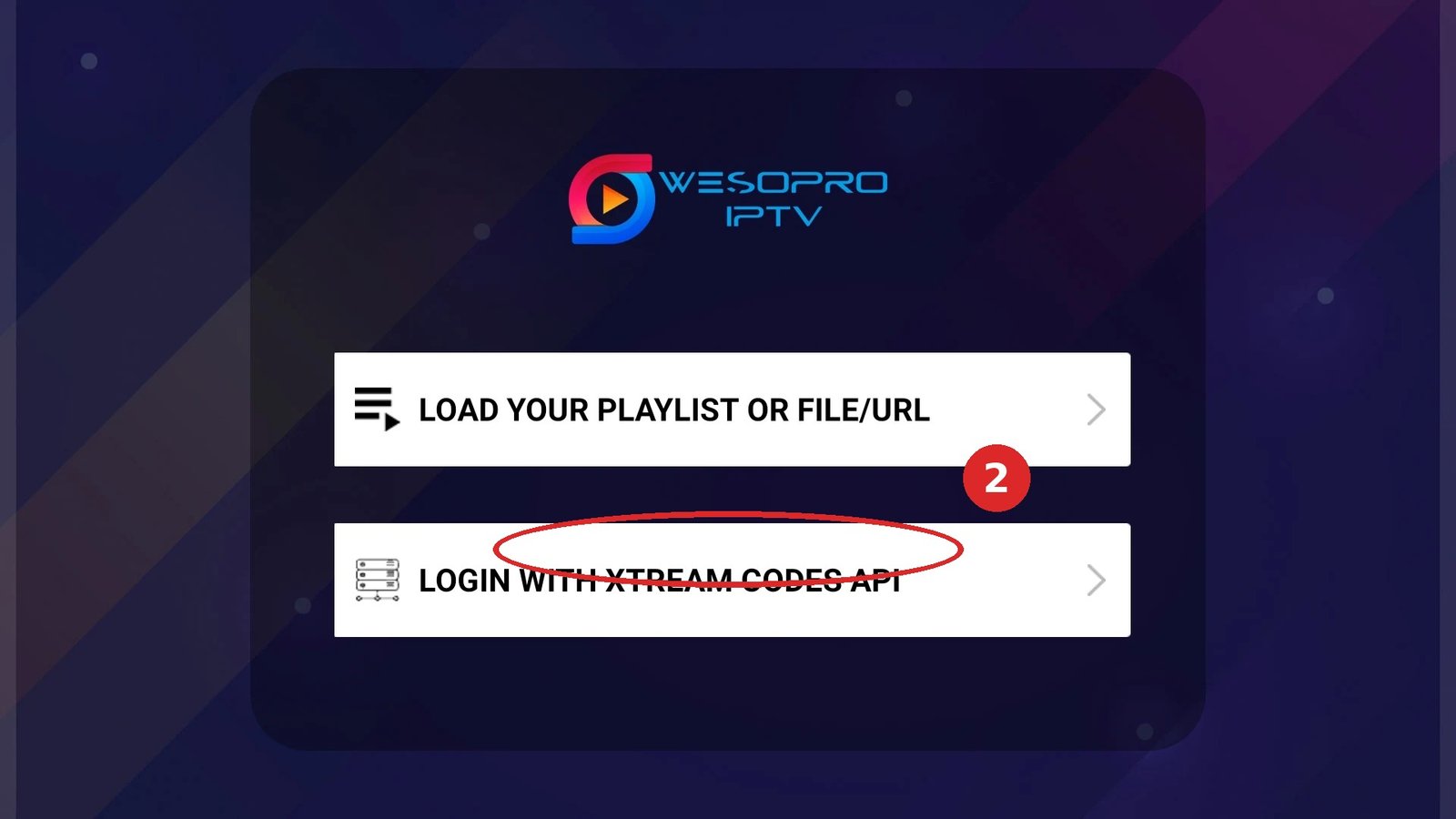
- Choose Xtream Codes login (recommended) or M3U URL.
- Enter the details you received from your IPTV provider:
- Xtream: server URL, username and password.
- M3U: the full playlist URL.
- Press login/add and wait until the channels load.
Step 3: Set up channels and EPG
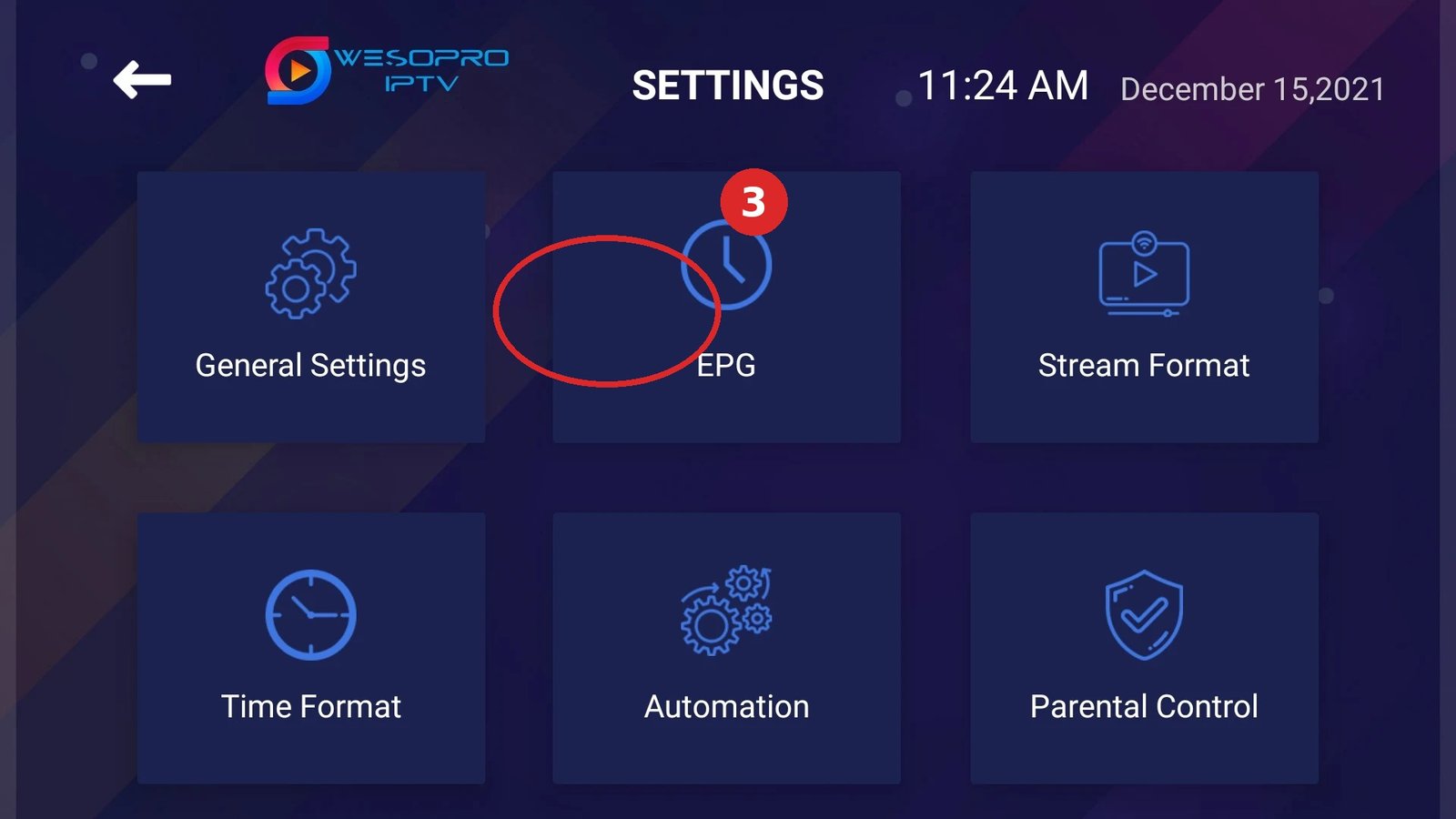
- Go to settings → EPG and choose your EPG source (Xtream usually provides it automatically).
- Mark your favourite channels with the hearts button.
- Ready to zap! 📺
Common mistakes with Wesopro
- Login failed: username/password copied with a trailing space. Paste them again.
- No picture on one channel: often a temporary outage — try the channel again later.
- Stuttering: switch to a different streaming player (ExoPlayer/HLS) in the app settings.
Frequently asked questions
On which devices does Wesopro run?
On everything with Android: Android TV boxes, Firestick, Nvidia Shield and Android TVs. For iPhone/iPad or Smart TVs (Tizen/webOS) you use a different app.
Where do I get my login details?
Your IPTV provider sends them: server URL, username and password (Xtream) or an M3U link.
Stuck or not working? Ask your question via our contact page — we’ll help you quickly and free of charge. Or try Pro IPTV free for 24 hours.
Want to know more? the best IPTV app per device · which IPTV app looks most like Netflix · the complete IPTV installation guide
Test Pro IPTV 24 uur helemaal gratis
1️⃣ Installeer SmartOne IPTV op je tv/box · 2️⃣ Stuur je MAC-adres · 3️⃣ Wij doen de rest!
⚡ Stuur je MAC-adres via WhatsApp
Ready to watch? try it free for 24 hours