What is Perfect Player?
Perfect Player is a lightweight, free IPTV player for Android and Windows. No fuss: you load an M3U playlist and EPG and get a clean channel list. A popular choice on older boxes that run less smoothly.
Step 1: Download Perfect Player
- Install via the Google Play Store (Android) or via the developer’s website (Windows).
- Open the app.
Step 2: Load a playlist (M3U)
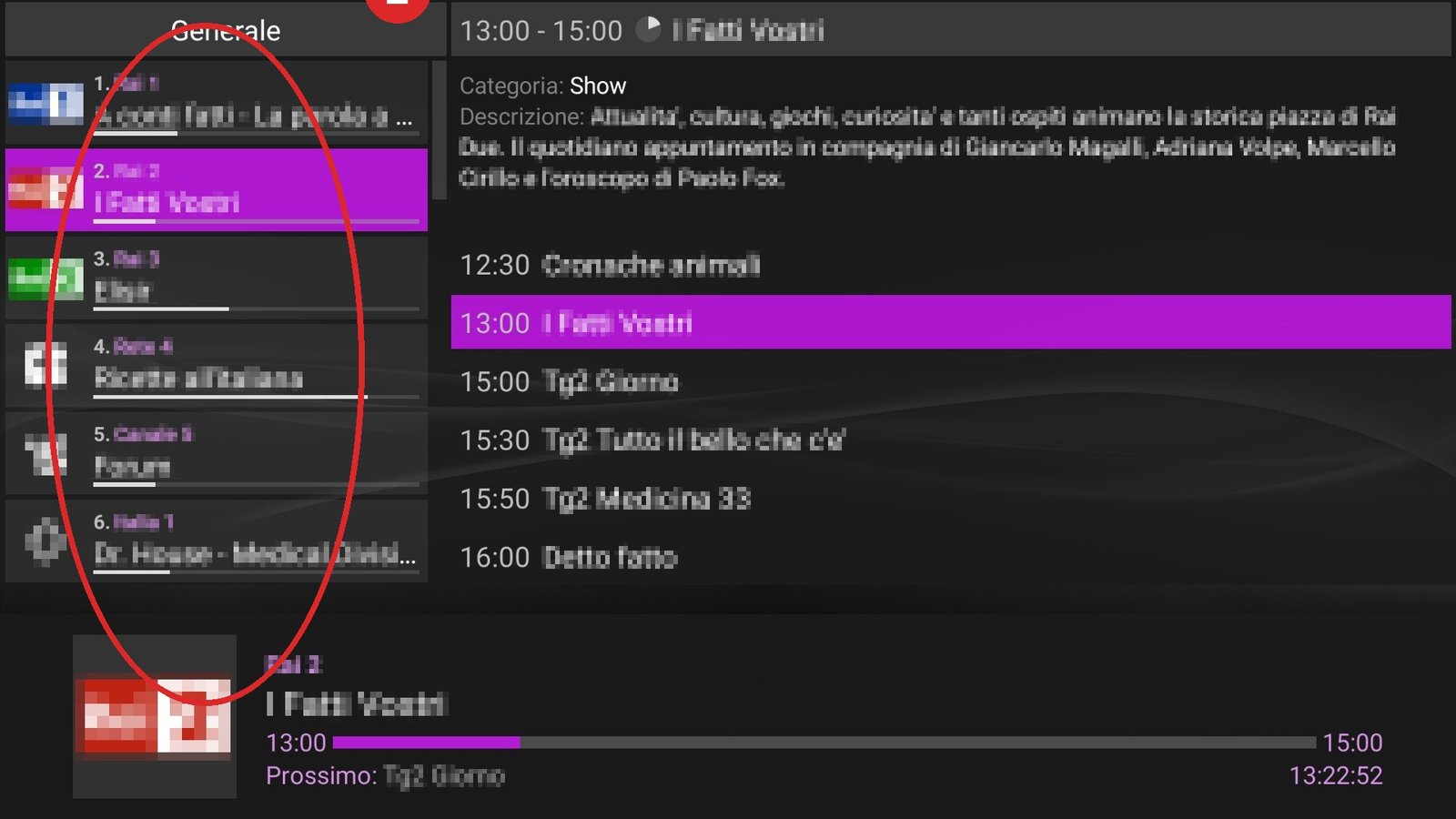
- Press Settings (gear) → General → Playlist.
- Enter your M3U URL (or choose the Xtream login if your version supports it).
- Back to the home screen — the channels appear on their own.
Step 3: Set up EPG
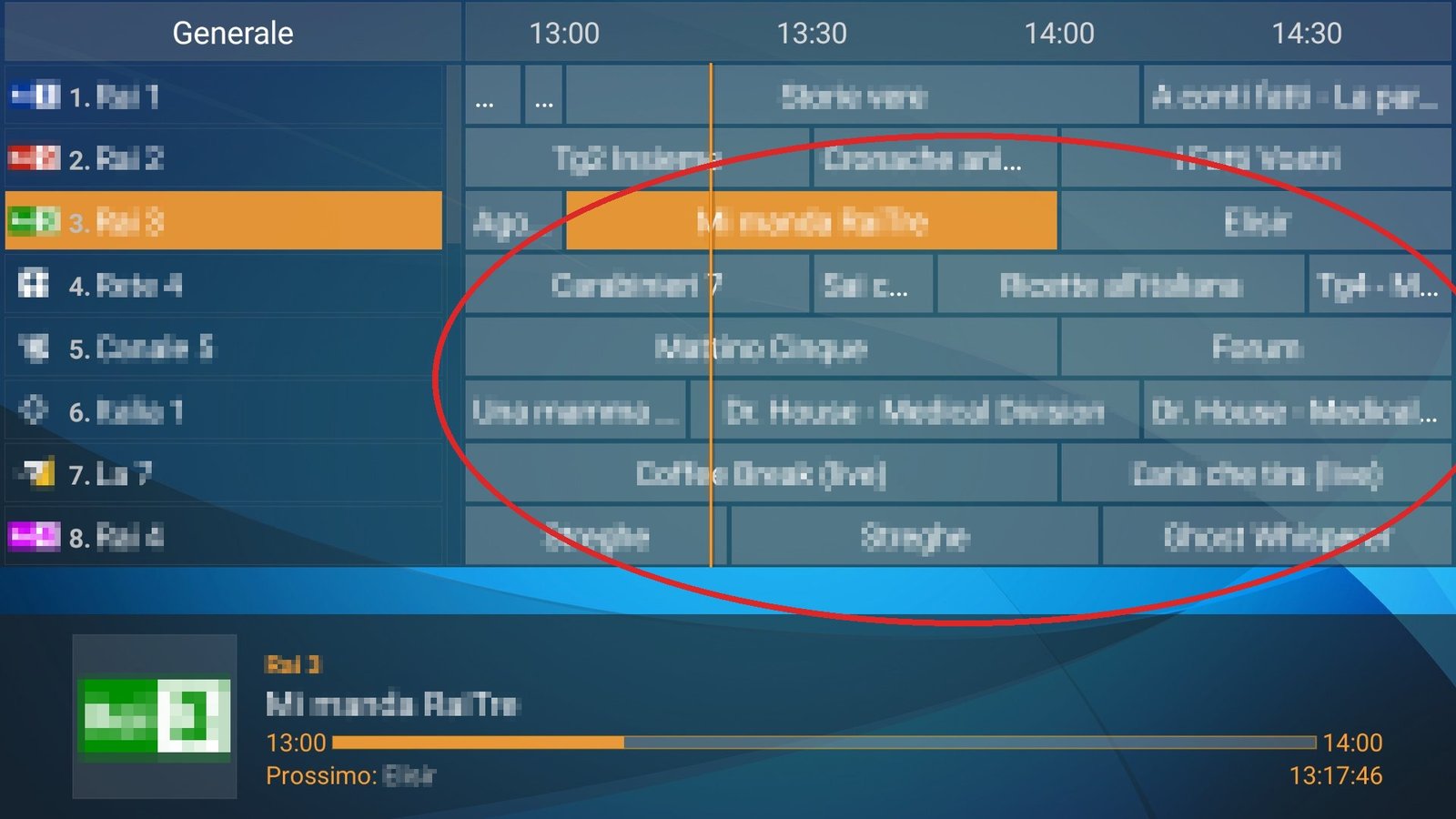
- Settings → EPG → enter your XMLTV URL.
- Wait a minute and open the guide — the programme info is right there. 📺
Common Perfect Player mistakes
- Empty channel list: the M3U URL was typed incorrectly or has expired.
- EPG doesn’t match the channels: channel names in the playlist and EPG must match; with Xtream accounts this happens automatically.
Frequently asked questions
Does Perfect Player work on iPhone?
No — Perfect Player is for Android and Windows. On iOS use e.g. GSE Smart IPTV or IPTV Smarters.
Is Perfect Player free?
Yes, the basics are free. A small donation unlocks extras such as more playlist slots.
Stuck or not working? Ask your question via our contact page — we’ll help you quickly and free of charge. Or try Pro IPTV free for 24 hours.
Want to know more? the best IPTV app per device · which IPTV app looks most like Netflix · the complete IPTV installation guide
Test Pro IPTV 24 uur helemaal gratis
1️⃣ Installeer SmartOne IPTV op je tv/box · 2️⃣ Stuur je MAC-adres · 3️⃣ Wij doen de rest!
⚡ Stuur je MAC-adres via WhatsApp
Ready to watch? start your free 24-hour IPTV trial