Why is TiviMate so popular?
In 2026 TiviMate is the favourite IPTV player for Android TV and Firestick. The reason: a real TV guide experience — zapping feels like traditional TV, with a beautiful EPG, favourites, recordings and timeshift.
Step 1: Install TiviMate

- Install Downloader on your Firestick or Android box (see our Firestick guide).
- Open Downloader and type: tivimate.com
- Download the latest APK and install it.
- Open TiviMate — the app asks for a player; choose TiviMate.
Step 2: Add a playlist
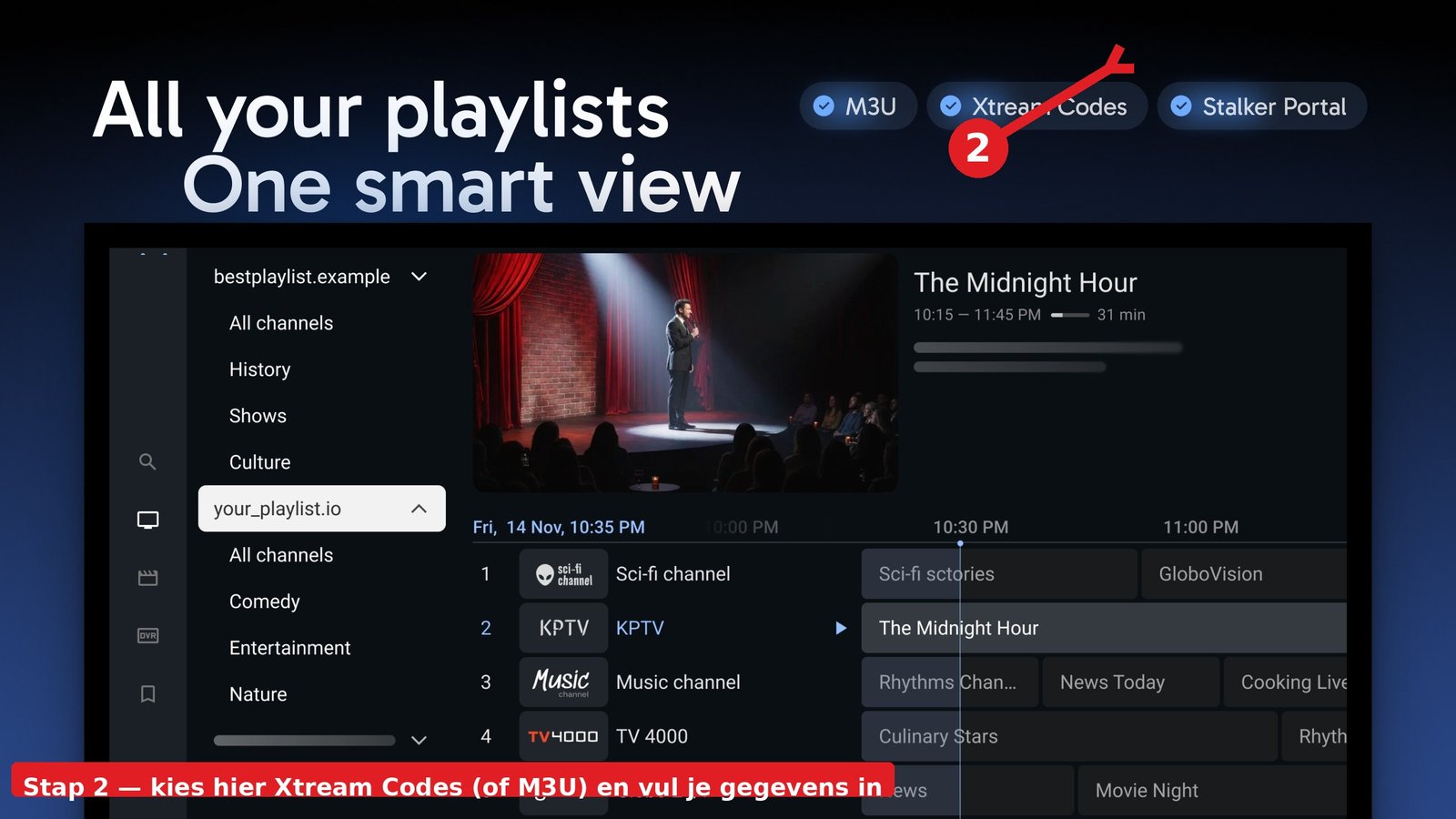
- Open TiviMate → Settings → Add playlist.
- Choose “Xtream Codes” or “M3U URL”.
- Enter your server URL, username and password (or paste the M3U link).
Step 3: Set up the EPG (programme guide)
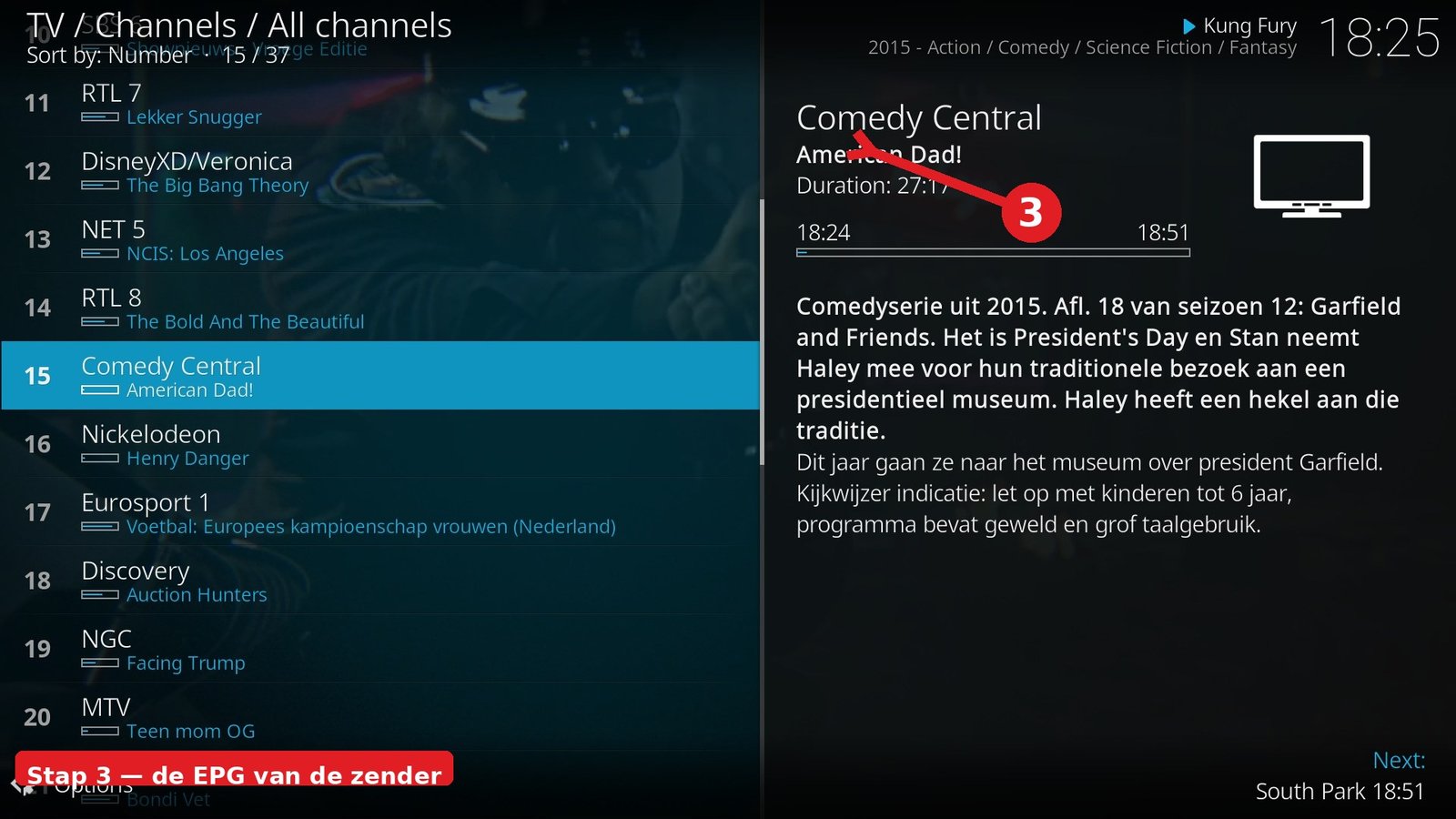
A good EPG is what makes TiviMate truly pleasant. Go to Settings → EPG and enable the source your provider supplies (often linked automatically to your Xtream login). Set the language and give the EPG a few minutes to load.
Step 4: Best settings for smooth playback
- Playback → Buffer: Small (1 sec) — faster zaps, less stuttering.
- Playback → Audio: Leave on Auto.
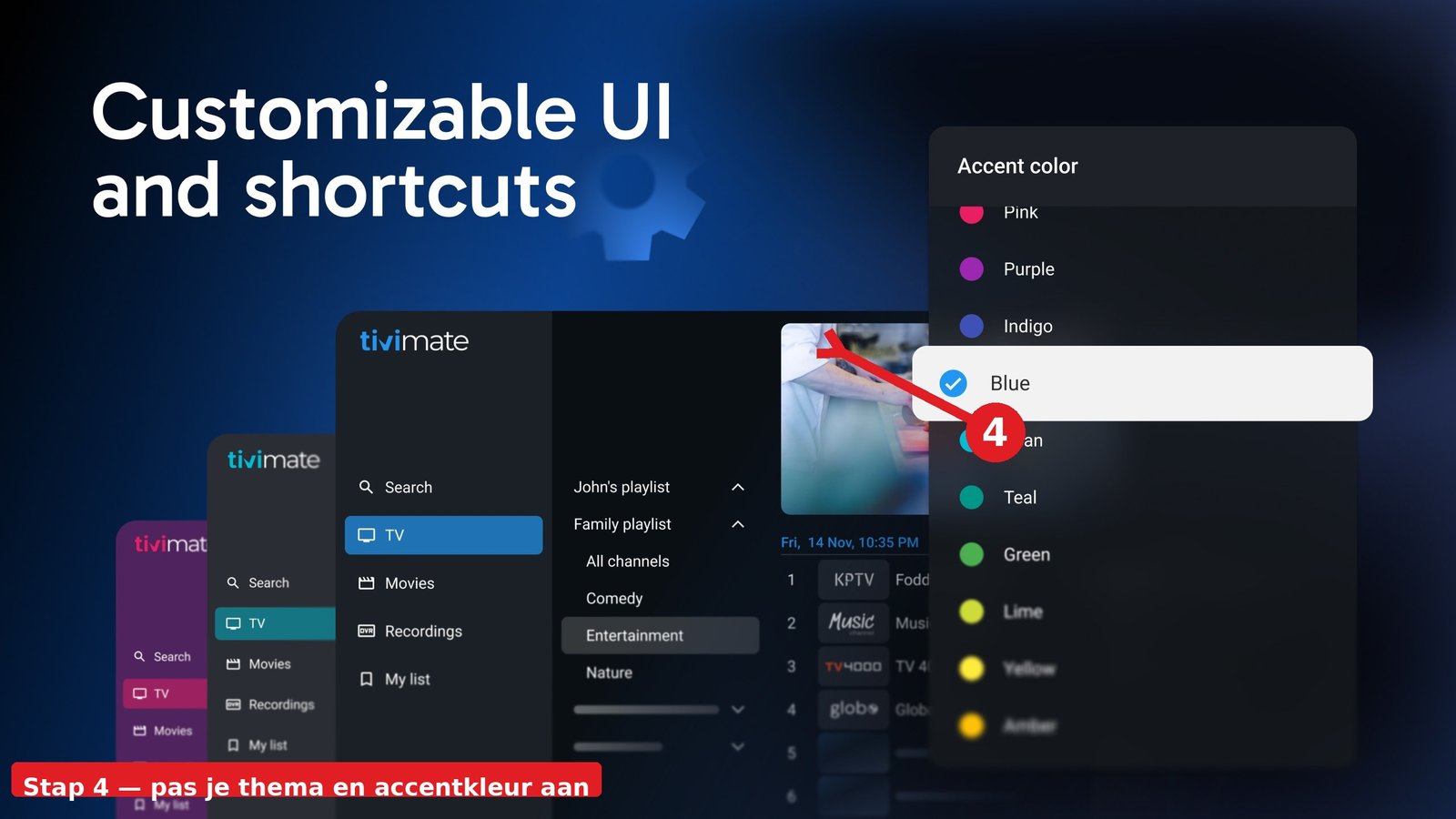
- Appearance: choose a dark theme that suits your TV.
- Recordings: only works with a USB stick or NAS on your Android box.
TiviMate Premium: do you need it or not?
The free version is limited to 1 playlist and no recordings. TiviMate Premium (one-off ±€10.99) unlocks unlimited playlists, EPG refresh, recordings and timeshift. Worth it for most users.
Frequently asked questions about TiviMate
Is TiviMate free?
The basic version is free (1 playlist, no recordings). Premium costs a one-off around €11 and unlocks everything.
Does TiviMate work on Samsung TV?
No — TiviMate only runs on Android (Android TV / Firestick / tablets). On Samsung you use IBO Player.
My EPG does not load in TiviMate?
In Settings → EPG check that the source is active, refresh manually and give it a few minutes. Still not working? Ask your provider for the correct EPG URL.
Stuck or not working? Ask your question via our contact page — we help you quickly and free of charge. Or try Pro IPTV free for 24 hours.
Want to know more? the best IPTV app per device · which IPTV app looks most like Netflix · the complete IPTV setup guide
Test Pro IPTV 24 uur helemaal gratis
1️⃣ Installeer SmartOne IPTV op je tv/box · 2️⃣ Stuur je MAC-adres · 3️⃣ Wij doen de rest!
⚡ Stuur je MAC-adres via WhatsAppReady to watch? start your free 24-hour IPTV trial