
What is IPTV Extreme?
IPTV Extreme is a popular IPTV player for Android phones, tablets and TV boxes. Easy setup, good EPG support and a tidy channel list.
Step 1: Install IPTV Extreme
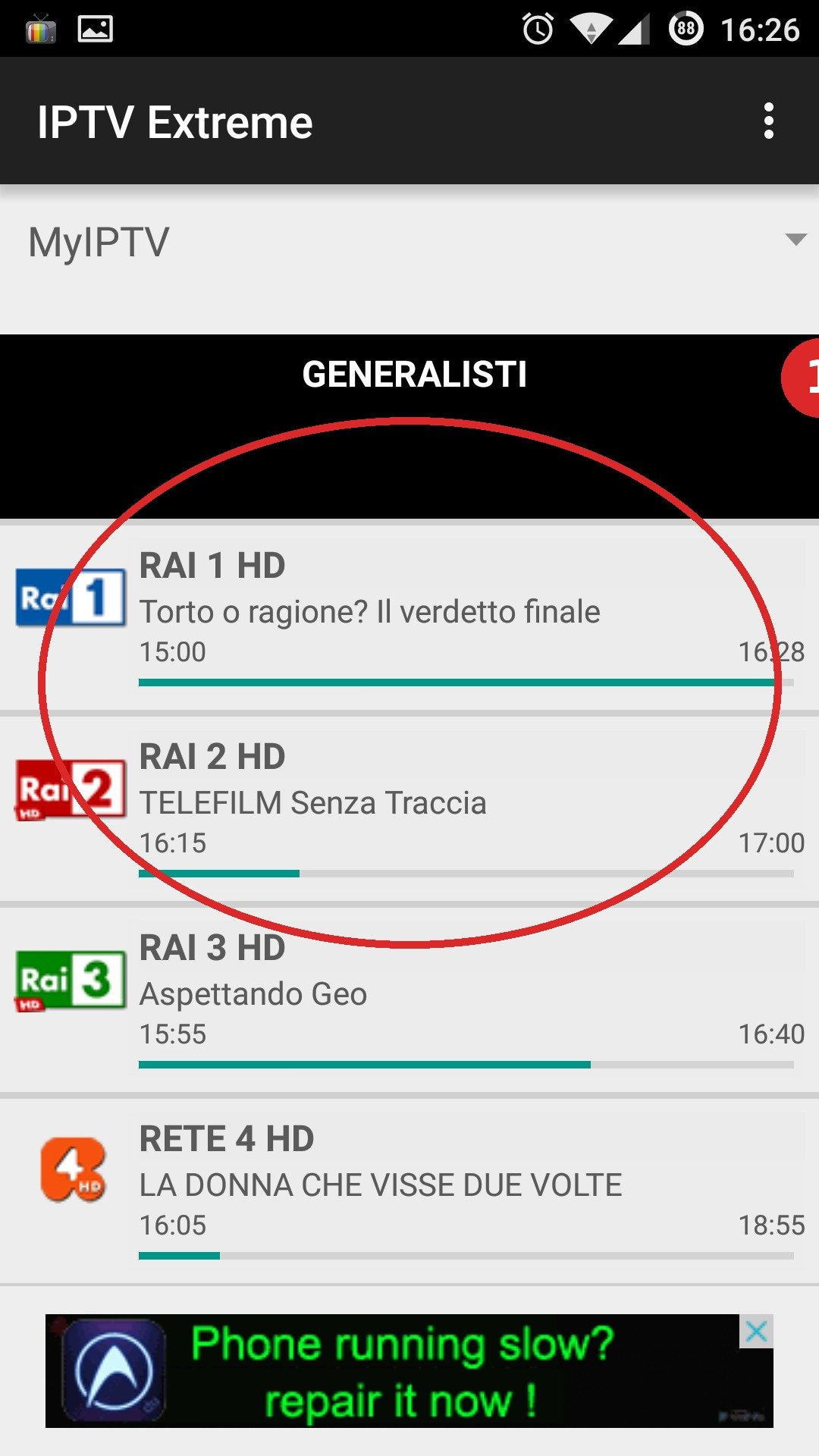
- Open the Google Play Store.
- Search for “IPTV Extreme” and install the app.
- Open the app.
Step 2: Add a playlist
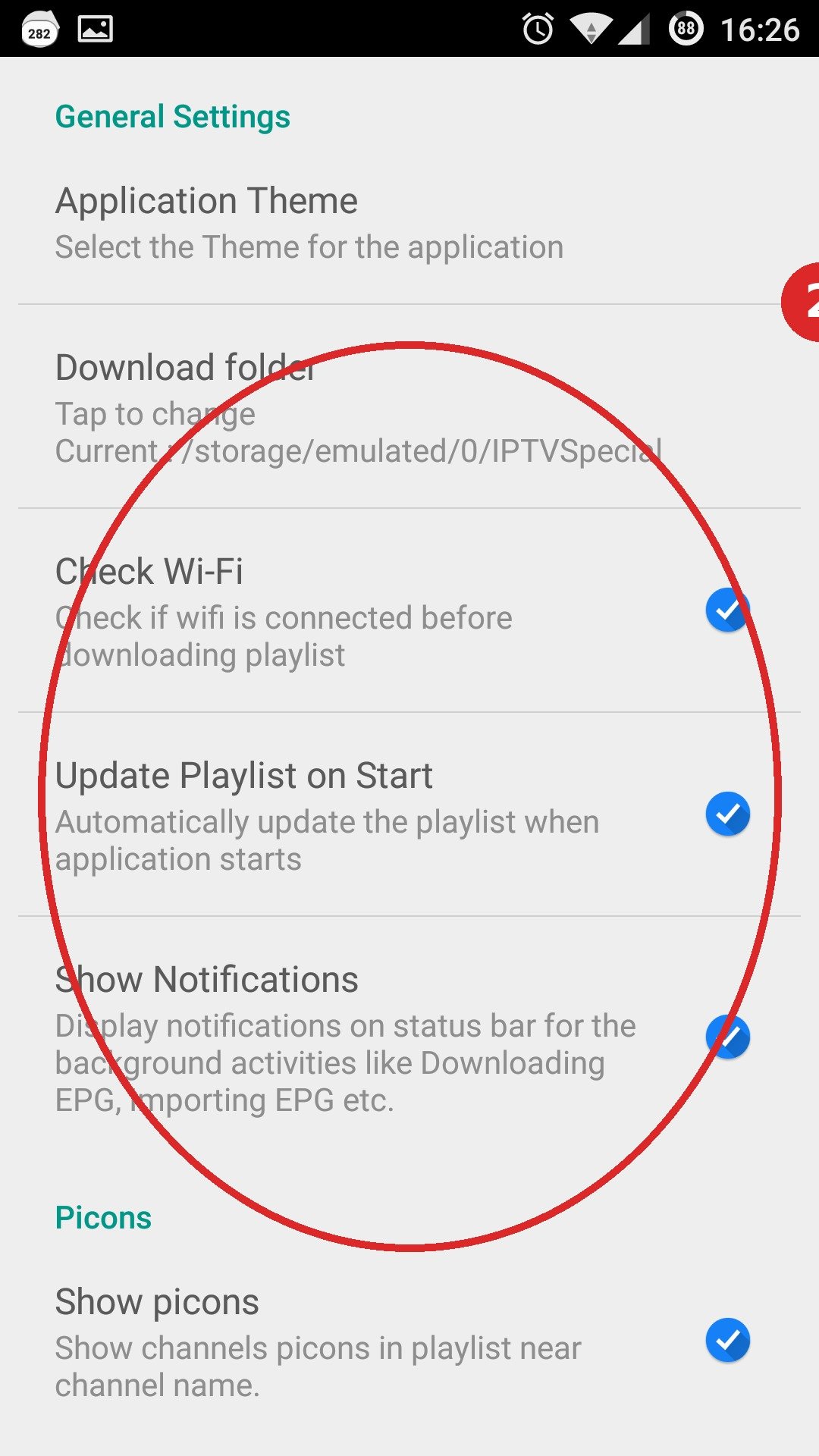
- Tap “Playlist” → “Add playlist”.
- Choose your login method: M3U link or Xtream Codes (server + username + password).
- Enter the details from your IPTV provider and save.
- The channels will now load automatically.
Step 3: EPG and settings
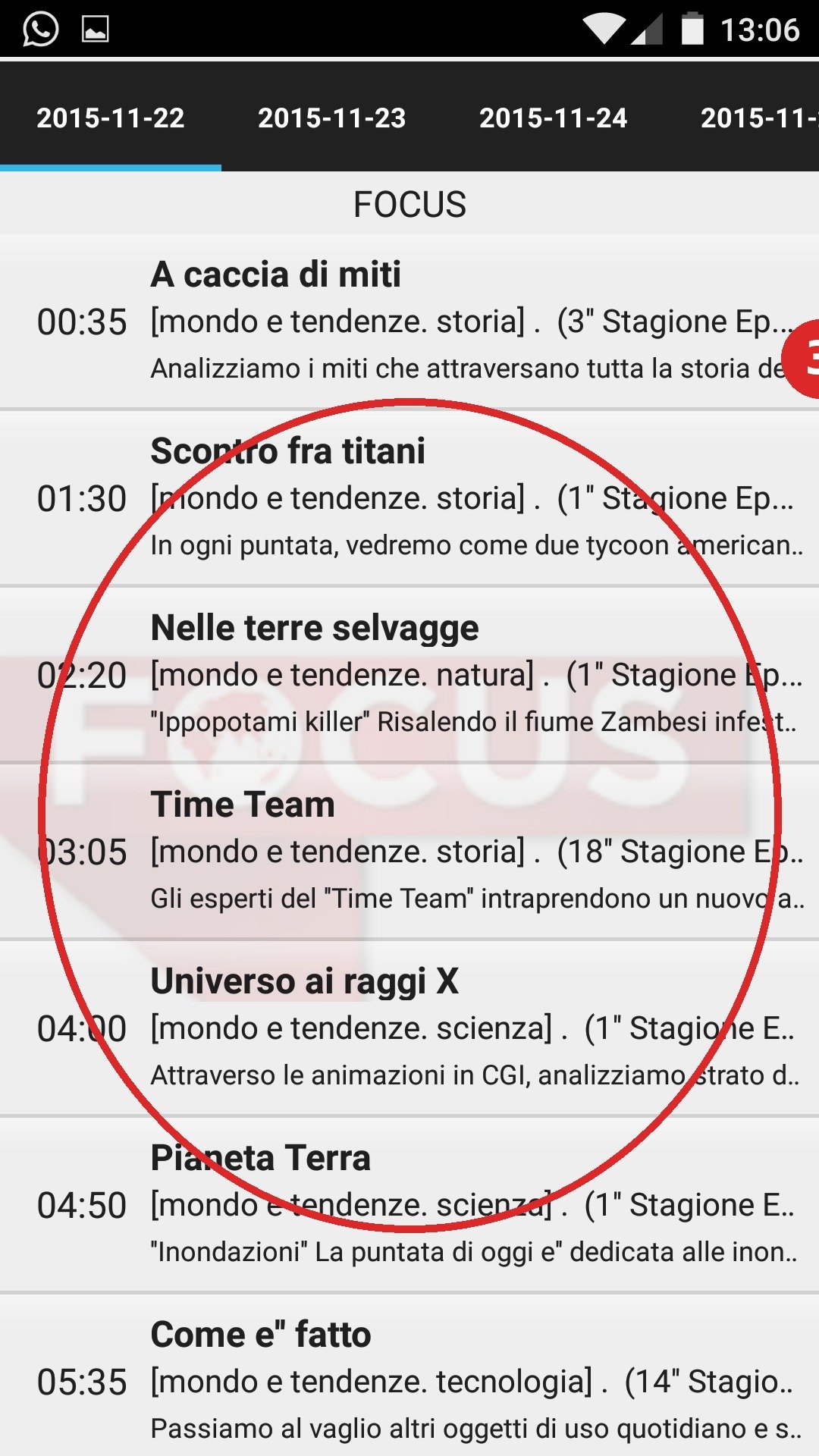
- Go to settings → EPG and link your EPG source.
- If it stutters: set a larger buffer (settings → playback).
- Ready to watch! 📺
Common IPTV Extreme mistakes
- Playlist won’t load: check that the link was copied exactly (no space or line break at the end).
- No EPG: with an M3U link you need to add the XMLTV URL separately.
- App asks for the Pro version: certain features (recorder) are part of IPTV Extreme Pro — basic viewing is simply free.
Frequently asked questions
Does IPTV Extreme work on iPhone or Smart TV?
No — IPTV Extreme is Android-only. On iPhone/iPad use e.g. GSE Smart IPTV; on Samsung/LG Smart TV use e.g. Smart IPTV or SmartOne.
Can I add multiple subscriptions?
Yes, you can add multiple playlists and switch between them.
Stuck or not working? Ask your question via our contact page — we’ll help you quickly and free of charge. Or try Pro IPTV free for 24 hours.
Want to know more? the best IPTV app per device · which IPTV app looks most like Netflix · the complete IPTV installation guide
Test Pro IPTV 24 uur helemaal gratis
1️⃣ Installeer SmartOne IPTV op je tv/box · 2️⃣ Stuur je MAC-adres · 3️⃣ Wij doen de rest!
⚡ Stuur je MAC-adres via WhatsApp
Ready to watch? ready to watch? start your free 24-hour trial